
Wayback Machine Domain Research: A Buyer's Guide (2026)
How to use the Wayback Machine to research a domain before you buy it — read its history in two minutes, spot a spammy or penalized past, and know when to walk.
 Mark FultonJul 15, 12:00 AM UTC8 min read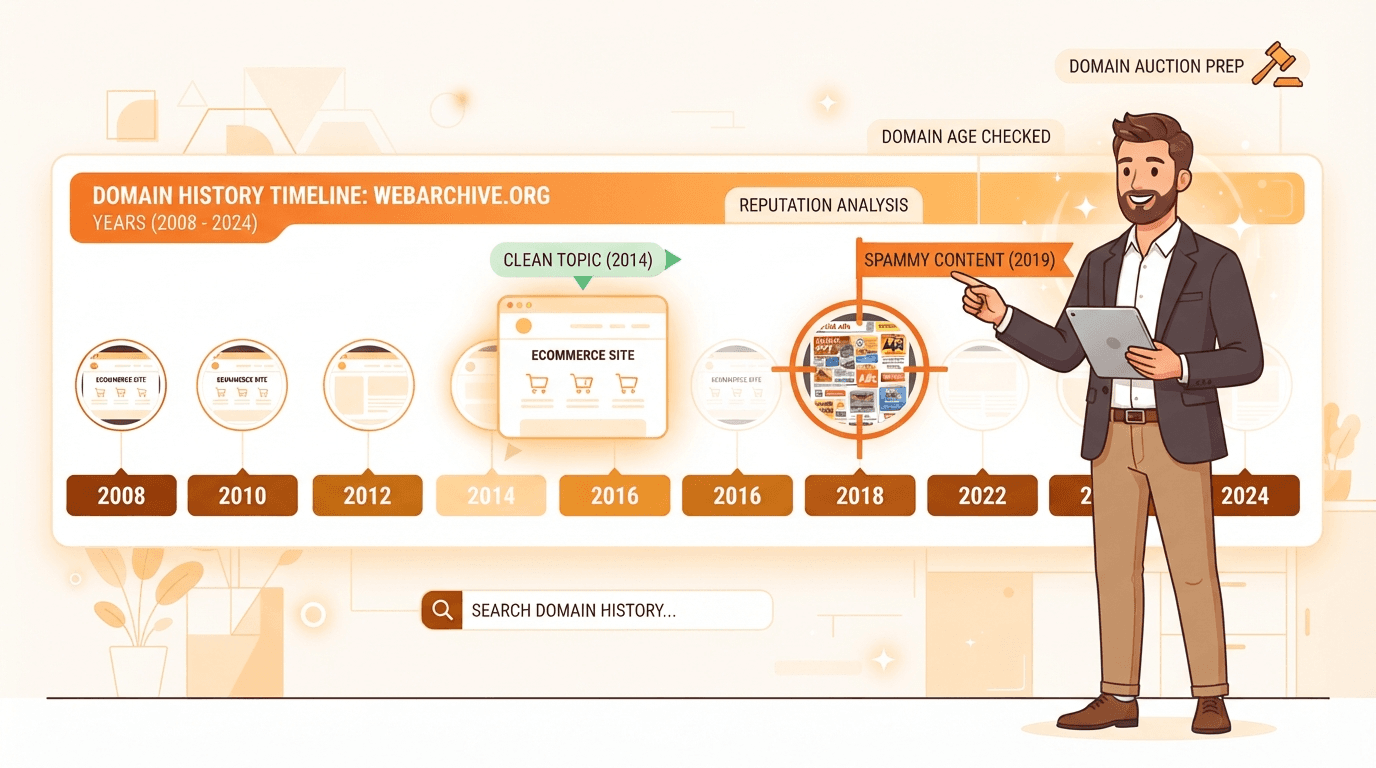
To research a domain in the Wayback Machine, paste the name into web.archive.org and read its life story in three passes: the timeline (how old and how active the site was), the topic (did it stay coherent, or flip from a blog to a payday-loan page), and the last two or three years before it expired (where a good name most often turned spammy). Click into snapshots from several different years, not just one. In about two minutes you’ll know whether you’re looking at a clean history worth bidding on or a penalized past you’d be paying to inherit.
I’ve been buying and flipping domains for over twenty years, and the Wayback Machine is the single most revealing free check in my toolkit. Not because of any metric — because it shows you the actual pages. A backlink tool tells you who linked to a name; a WHOIS lookup tells you when it was registered; the Wayback Machine tells you what people were actually looking at, and that story is worth more than any score.
Here’s where most guides on this go sideways, though: they’re written for SEO operators recovering a backlink profile or republishing old content on a private blog network. That’s a real use case, but it’s not mine and probably not yours if you’re flipping brandable names. For a resale investor the archive isn’t a treasure map — it’s a veto: a fast, defensive read to make sure a name’s past won’t poison its future. This guide leads with that angle, then covers the SEO one for the buyers who need it.
How to use the Wayback Machine for domain research
The interface hasn’t changed much in years, and everything you need is on the first screen. Type the domain (no https:// needed) and you land on the archive’s overview. Read it in this order:
- The timeline histogram. The bar chart across the top spans the domain’s whole archived life, one column per year. The gap between the first bar and the last is a rough archive-based age — domainers often treat the first snapshot year as the name’s Wayback birthday. A domain first captured in 2009 with bars every year since has a real history; one with a single lonely bar does not.
- Snapshot density. Taller bars mean more captures that year, and capture frequency roughly tracks how significant a site was. An active, linked-to site gets crawled dozens or hundreds of times a year. If a domain has existed for a decade and the archive holds only five or ten snapshots total, that’s telling you it was low-traffic and low-importance — fine for a clean brandable, disappointing if you were buying it for authority.
- The calendar and its colored dots. Click a year and you get a calendar of individual captures. Per the Internet Archive’s own help documentation, a blue dot is a successful capture (the crawler got a good
2xxresponse), while green marks a redirect and orange or red flag client and server errors. Click the blue dots — those are the real pages.
Don’t judge a domain on one snapshot. Open three or four spread across different years so you see the arc, not a single frame. The arc is where the story lives.
What to look for: reading a domain’s life story
Once you’re clicking through captures, you’re answering one question: is this a coherent, legitimate history, or a name that got passed around and abused? Three things tell you almost everything:
- Topic consistency. A healthy domain sticks to one subject over its life — a bakery, a photography portfolio, a software blog. Every time the topic changes completely, whatever link equity and trust it built gets diluted or reset. A little evolution is normal; a hard pivot from “gardening tips” to “online casino” is not.
- Language and audience. If an English-language small business suddenly archives entirely in another language it never used, that’s the fingerprint of a name that dropped, got caught by a spam network, and was repurposed. The audience changed because the owner did.
- The final chapter. Scrutinize the last two or three years before expiry hardest. A name is often a normal site for a decade, then expires, gets grabbed, and is run as doorway pages or redirects for a few months before it’s dumped again. That short spam period can still leave a penalty attached to the name — and it’s exactly the part a lazy check (glancing at one old snapshot) misses.
This is the history veto in the larger keeper-vs-junk screen I run on every candidate. For how it fits alongside length, TLD, and brandability, see how to find valuable expired domains — the Wayback read is one row in that grid, but it’s a row that can veto everything above it.
Spotting a spam or PBN past
Some histories are an instant close-the-tab. Google’s own spam policies describe the content and link schemes that get sites penalized, and a domain that hosted them can carry that baggage forward long after it changes hands. These are the pasts I refuse to inherit:
- Casino, adult, or pharma content in any snapshot, especially on a name that was otherwise a small business or blog. The mismatch is the tell.
- Doorway and thin-affiliate pages. Snapshots that are nothing but keyword-stuffed link lists, auto-generated articles, or redirect shells — the classic private-blog-network build-out.
- Cloaked or hacked periods. Snapshots showing spam in a language or script unrelated to the real site, or injected pharmacy links inside an otherwise normal page, mean the domain was compromised at some point.
- A long “parked / for sale / suspended” tail following a real history. On its own that’s neutral, but combined with any of the above it confirms the name has been through the drop-and-abuse cycle.
If you’re buying specifically for SEO equity, the Wayback read pairs with a link-profile check — the archive shows what the site was, and a backlink tool shows who still points at it. The two together are the real due diligence; here’s how to check domain backlinks before you buy in another two minutes.
Trademark and brand risk hiding in the archive
The archive catches a risk that pure metrics never will: a name that used to be someone’s brand. If the old snapshots show an established company — a logo, a product, a real business that simply let the domain lapse — that’s a flag, not a green light. Buying a name that carries a live company’s identity can turn a flip into a trademark dispute, and a brand owner can claim it back regardless of what you paid at auction.
So when a domain’s history reads as a genuine business rather than a generic blog, do the extra step: search the bare name plus its industry and confirm the company is actually gone, not just temporarily lapsed. The Wayback Machine is what surfaces the question in the first place — you’d never think to run a trademark check on zovix.com until the archive shows it was a funded startup two years ago.
A worked example: reading one domain snapshot by snapshot
Theory is easy; the read is a skill. Here’s exactly how I’d walk through a single candidate — call it greenhavengarden.com, a name that just hit an aftermarket auction — annotating what each pass of the archive tells me and how it moves my verdict.
| What the archive shows | What I read from it | Effect on the verdict |
|---|---|---|
| First snapshot in 2011; bars every year since | Real 14-year history, not a freshly churned name | Good — a genuine past to evaluate |
| ~40–80 captures a year through 2021 | An actively crawled, linked-to site with real traffic | Strong — the density says it mattered |
| 2011–2021 snapshots: a gardening blog, same logo, same voice | One coherent topic for a decade, no flips | Strong — clean, single-topic identity |
| Early 2022: snapshots turn to “domain parked” | The owner lapsed it here — the honest history ends | Neutral — but now watch what came next |
| Mid-2022 to 2023: pages of unrelated loan and casino links | Someone grabbed it and ran a doorway/PBN build | Red flag — a fresh spam layer on top |
| Late 2023 onward: parked again, now expiring | Abused, then dumped — the drop-and-spam cycle | Walk away, or bid only as a clean-slate rebuild |
That’s the whole point of reading the arc. Glance at only the 2015 snapshot and greenhavengarden.com looks like a lovely clean brandable. Read the last three years and you find the spam period that a future buyer’s own check will find too. The verdict flips entirely on the final chapter — which is why you never judge a domain on one frame.
The two-minute Wayback workflow
Here’s the exact sequence, in order. Once it’s muscle memory it takes about two minutes per name — run it on every candidate before you set a max bid.
- Paste the domain into the Wayback Machine and glance at the timeline: how old, how dense?
- Open three or four snapshots from different years (blue dots) to see the arc, not one frame.
- Confirm topic consistency — did it stay one coherent site, or flip subjects and languages?
- Scrutinize the last two to three years before expiry for a spam or doorway period.
- If it reads as a real brand, run a quick trademark search before you treat the name as free to flip.
- Cross-check age with WHOIS so a “blank” archive on an old registration gets a second look.
Fail step 3 or 4 badly and it doesn’t matter how good the string is — a poisoned history is one of the few things that can take a name’s resale value to zero, as covered in how to value a domain name. Pass all six and the history check is cleared; the name now has to earn its price on brandability and comps, which is a separate job.
Where the Wayback read fits in the hunt
The archive check is one veto inside a bigger screen. Before it you filter for structure — short or brandable, clean .com, no numbers or hyphens. Alongside it you check backlinks and registration age, then a trademark sanity search, then you price the survivors against comps and set a disciplined max bid. It applies no matter how you acquire the name: a marketplace auction and a drop-catch race are two paths to the same expiring domain, and you’d run the same two-minute read on either.
The catch is volume. Thousands of names hit their ending window every day on the Namecheap Marketplace alone, and you can only hand-read so many archives before the 11:00 AM ET batch closes. That ceiling is exactly why I built PounceDomains: it connects to your own Namecheap account through the official Auctions API, applies your structural filters to every ending-soon auction, enriches the survivors with data and history signals, and scores them with AI — so the handful of names that deserve a two-minute Wayback read actually reach you, instead of drowning in the flood. The archive check stays your call; the software just makes sure you’re spending it on names worth checking. For how the auctions themselves work, see Namecheap Market auctions explained.
The bottom line
The Wayback Machine is the closest thing domain investing has to a time machine, and it costs nothing. Read the timeline for age and activity, click through several years to trace the topic, scrutinize the final chapter for a spam period, and flag anything that reads as a real brand for a trademark check. Do that on every name and you’ll stop inheriting other people’s penalties — and start bidding on histories you can actually stand behind. Start sniping free and let the filter surface the names worth reading.
Frequently asked questions
How do you use the Wayback Machine to research a domain?
Go to web.archive.org, paste in the domain, and read three things off the archive. First, the timeline histogram and calendar at the top: the span from the first snapshot to the last gives you a rough archive-based age, and the density of bars tells you how active the site was — a real, popular site gets crawled dozens or hundreds of times a year, while a thin or parked one shows a handful of snapshots per decade. Second, click into several snapshots spread across different years (blue dots on the calendar are successful captures, per the Internet Archive's own help docs) and confirm the site stayed on one coherent topic. Third, pay special attention to the last two or three years before the domain expired, because that's when a good site most often turned spammy. The whole read takes about two minutes.
How can you spot a bad domain history in the Wayback Machine?
Look for three patterns. A topic flip — a recipe blog that becomes a payday-loan page, or an English small-business site that suddenly archives in a foreign language — means the domain changed hands and was likely spammed; each flip devalues whatever link equity it had. Outright spam content in any snapshot — casino, adult, pharmaceutical, or pure link-directory doorway pages — is a hard walk-away, because Google's spam policies treat that as manipulation and a penalty can outlive the ownership change. And a long stretch of parked or 'account suspended' pages right before expiry, especially after a legitimate history, is the classic sign a name was grabbed, abused, and dumped. One odd snapshot is nothing; a pattern is a veto.
Why does a domain have no snapshots in the Wayback Machine?
Usually one of two harmless reasons or one you should note. It may simply have never been developed — a name someone registered and parked, which for a resale flip is often exactly what you want: a clean slate with no penalized past to inherit. It may have been crawled but hidden because a robots.txt file on the old site blocked the archive (the Internet Archive documents this exclusion behavior). Or the archive genuinely didn't capture a low-traffic site that no one linked to. An empty archive isn't a red flag by itself — it's the absence of a story, not a bad one — but pair it with a WHOIS age check so a 'blank' name that's actually 15 years old gets a second look.
Is the Wayback Machine enough to check a domain's history?
No — it's one of three or four checks, and it only answers 'what was on this site.' It doesn't show you who linked to the domain (that's a backlink checker), how old the registration really is or how many times it changed hands (that's WHOIS), or whether the name collides with a live trademark. The Wayback Machine is the fastest and most revealing single check because seeing the actual pages tells you the story numbers can't, but a full pre-purchase screen pairs it with a quick backlink look, a registration-age lookup, and a trademark sanity check before you set a bid.
Mark Fulton
Developer & Founder of PounceDomains · 20+ year domain investor
Mark Fulton is a 20+ year domain investor and the developer and founder of PounceDomains. He has spent two decades buying, building, and flipping domain names, and built PounceDomains himself to automate the hunt for undervalued domains on the Namecheap aftermarket.
Keep reading
UDRP Explained for Domain Investors (and How to Avoid One)
What a UDRP complaint is, the three elements a complainant must prove, what bad faith looks like, and the pre-purchase checks that keep an investor clear.
Does Domain Age Matter for SEO? The Honest 2026 Answer
Does domain age matter for SEO? Google says no. What older domains carry (links, history, demand) is what you should price when bidding. A side-by-side example.
Snipe these domains automatically
PounceDomains watches Namecheap Market 24/7, scores every ending-soon domain with AI, and bids on the winners. Free to start.
Start sniping free